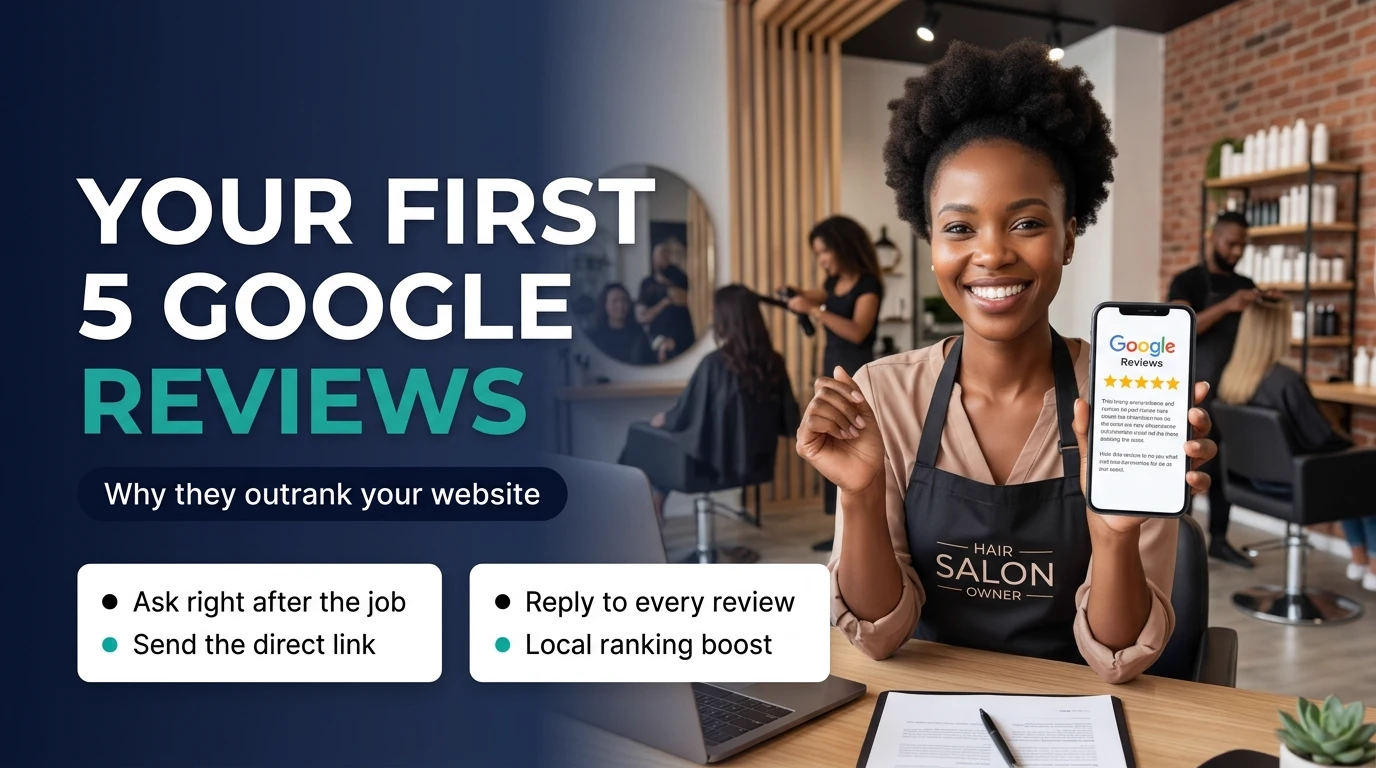
Why Reviews Beat Your Website (Before They Ever Visit It)
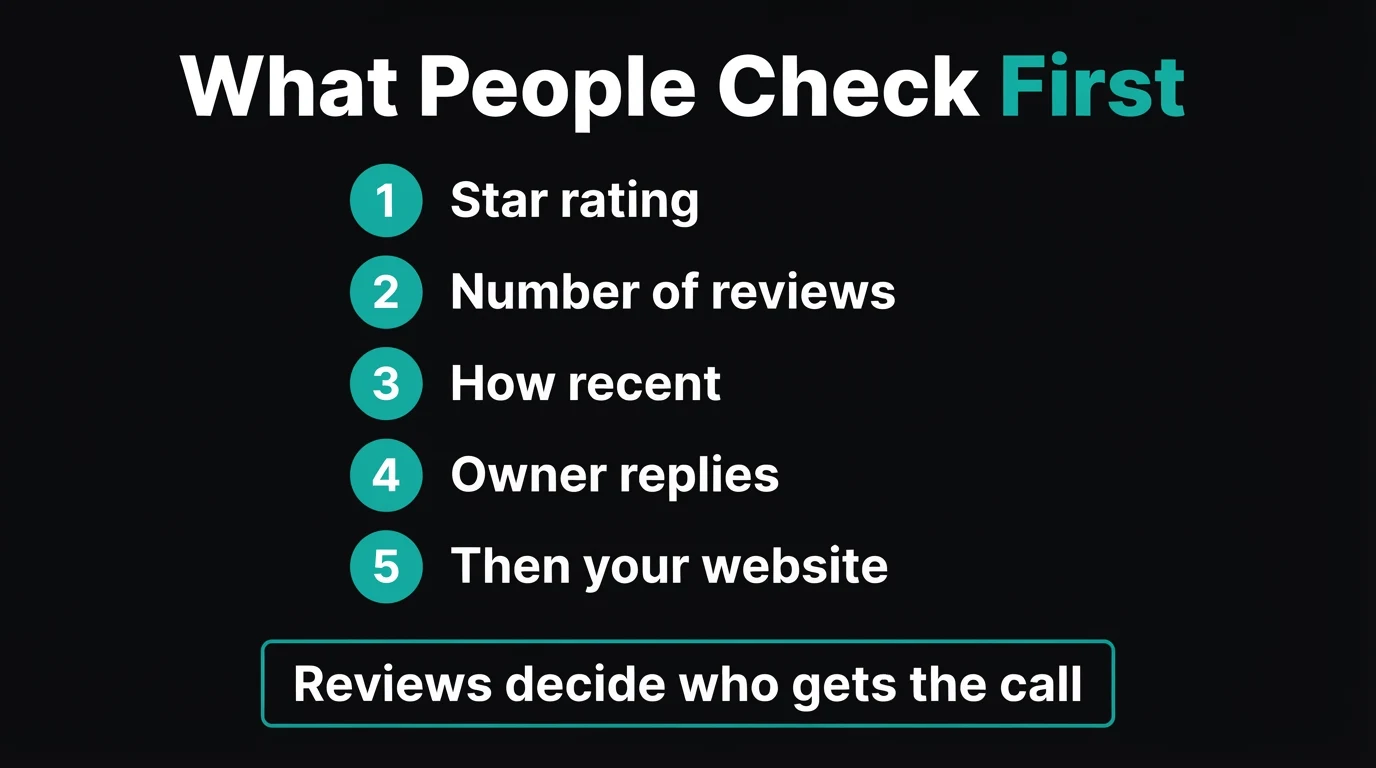
Picture someone in Centurion whose geyser burst at 6am. They search "plumber near me" and Google shows three businesses on a map, each with a star rating and a review count. They do not read three websites. They glance at 4.8 stars from 63 reviews next to no reviews at all and phone the first one.
That is the uncomfortable truth behind this post: for local, urgent or trust-heavy purchases, your reviews are often your first impression and your website is the second. A beautiful site cannot help if the stars above it make people scroll past. It is also why we tell clients the two work as a pair. Reviews win the attention; the website turns it into an enquiry. (If you are unsure how your profile and site fit together, our guide on Google Business Profile vs website lays it out.)
Why It Feels Awkward — and Why That Feeling Is Wrong
Most owners we speak to have the same hesitation: "I don't want to beg." Asking feels pushy, so it never happens, and years of great work leave no public trace.
Reframe it. A customer who was happy with your work usually wants to help; they simply never think of it. You are not begging, you are removing the effort. The awkward part is deciding to ask. The actual message takes ten seconds and, done right, feels like good service rather than a favour.
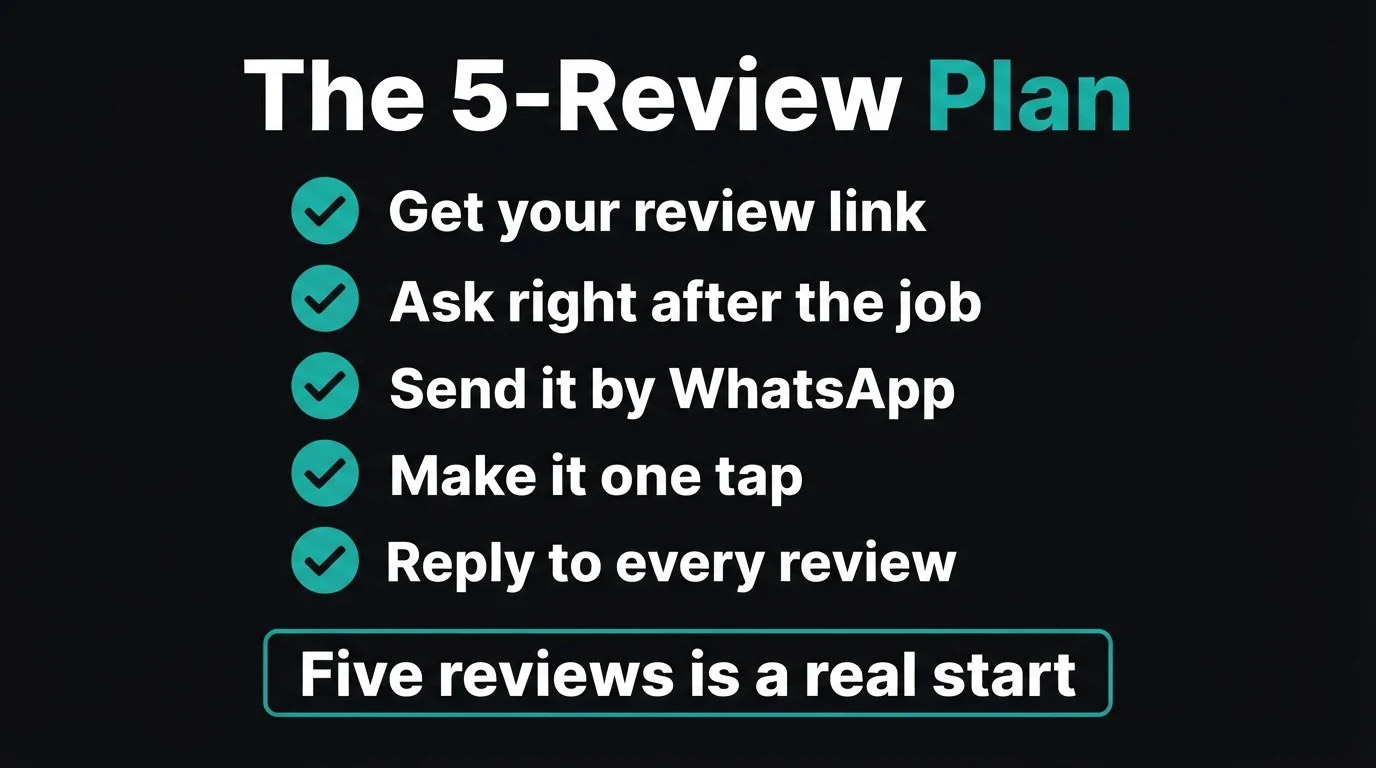
The 5-Review Plan (Do This This Week)
1. Get your review link
Search for your own business name on Google while signed in to the account that manages your profile, or open your profile in Google Maps, and use the option to ask for reviews. Google gives you a short link that opens the star box directly. If your profile does not appear at all, fix that first with why your business is not showing on Google.
2. Save it as a WhatsApp quick reply
Store the message and link in WhatsApp Business (or as a note you can copy). If asking takes more than ten seconds, you will stop doing it by Friday.
3. List five recent happy customers
Scroll your WhatsApp chats and invoices from the last few weeks. Pick people who thanked you, paid without fuss or rebooked. Recent customers remember the details, and fresh reviews carry more weight than old ones.
4. Ask straight after the job, by WhatsApp
The best moment is right after they say thank you. In South Africa, WhatsApp beats email by a mile: it is where your customers already are, and one tap on the link opens the review box.
"Hi Thandi, thanks again for having us out today. If you were happy with the work, would you mind leaving a quick Google review? It helps other people in the area find us. Here is the link, it takes about a minute: [link]. Thank you!"
5. Reply to every review, within a day or two
A short, warm reply thanks the customer, mentions the actual job ("glad the geyser is sorted before winter") and shows future customers a real person is behind the business. Replying also nudges people to leave more.
Quick check: how many customers did you help last week who would happily give you five stars if someone asked?
What Not to Do (These Can Get Reviews Removed)
- Paying, discounting or gifting in exchange for a review
- Asking only the customers you expect to be delighted
- Writing reviews yourself or asking friends who never bought
- Posting the same copy-pasted wording as a template
- Arguing with a reviewer in public
- Ask everyone, politely, and let the review say what it says
- Send the link personally, straight after the job
- Encourage specific detail: what was done and where
- Reply calmly to every review, good or bad
- Ask again next month, so reviews stay recent
Google's rules are clear that reviews must reflect real experiences and that incentives and selective asking are not allowed. Beyond the rules, a natural mix of reviews simply looks more believable to customers than a wall of identical praise.
Reviews get them to click. Your website gets them to call.
Once the stars are working, make sure the page they land on finishes the job: reviews shown on the site, a WhatsApp button, a clear offer. We will build a live demo in 48 hours, before you pay anything.
Zero deposit · No lock-in · Based in Centurion, serving all of SA
Five Review Mistakes We See All the Time
- Waiting for reviews to happen. They rarely do. Happy customers need a nudge and a link.
- Sending customers to "find us on Google". Every extra step loses people. Send the direct review link.
- Asking a month later. Ask while the job is fresh and they are still smiling.
- Ignoring reviews once posted. Unanswered reviews look like an abandoned business.
- Forgetting the website. Reviews earn the click, but if the site is slow or vague you lose them. Real proof matters there too, as we cover in stock photos vs real photos.
Treat reviews as a weekly habit, not a project. Two asks a week beats fifty asks in a panic. Five reviews gets you out of "no reviews" territory; a steady trickle after that keeps you looking active. When you also want to capture the enquiries reviews create, turning visitors into WhatsApp leads is the natural next step.
The Bottom Line
Your website is where you explain yourself. Your reviews are where other people vouch for you, and in local search they are usually seen first. Getting to five is quick: grab the link, save the message, and ask five recent customers by WhatsApp this week.
If you would like the site itself ready to convert the extra attention, see our pricing or get in touch.
- Reviews are seen before your website in local results, so they often decide who gets the call.
- Send your direct review link by WhatsApp to five recent happy customers, straight after the job.
- Never pay for reviews or ask selectively. Ask everyone, reply to every review, and repeat monthly.
Go Deeper: Related Guides
Frequently Asked Questions
How many Google reviews do I need to rank higher?
There is no magic number. Google weighs how relevant, close and prominent a business is, and reviews feed into prominence. Practically, getting from zero to five recent, genuine reviews changes how customers see you, and steady new reviews every month matter more than a one-off burst. Aim for consistency, not a target count.
Is it allowed to ask customers for Google reviews?
Yes. Google encourages businesses to ask happy customers for reviews. What is not allowed is paying for reviews, offering discounts or gifts in exchange for them, writing fake reviews, or only asking customers you expect to leave five stars (review gating). Ask everyone, ask politely, and let the review say what it says.
How do I get my Google review link?
Open your Google Business Profile, either by searching your business name on Google while signed in or in the Google Maps app, and choose the option to share or ask for reviews. Google gives you a short link that opens the review box directly. Save it in WhatsApp as a quick reply so you can send it in seconds.
Do Google reviews matter more than my website?
For local searches they often matter first. People see your star rating and review count in the map results before they ever open your website, so reviews decide whether you get the click. Your website then has to close the deal. The two work together: reviews win the attention, the site turns it into an enquiry.
Should I reply to negative Google reviews?
Yes, calmly and briefly. Thank them, acknowledge the problem without arguing, and offer to fix it offline. Future customers read your reply more closely than the complaint itself. A professional response to a bad review often builds more trust than a page of perfect scores.

Chris Maboyi
I build fast, trust-focused websites for South African small businesses from Centurion, and help clients get their Google presence and reviews working alongside their site. Get in touch or WhatsApp me directly.