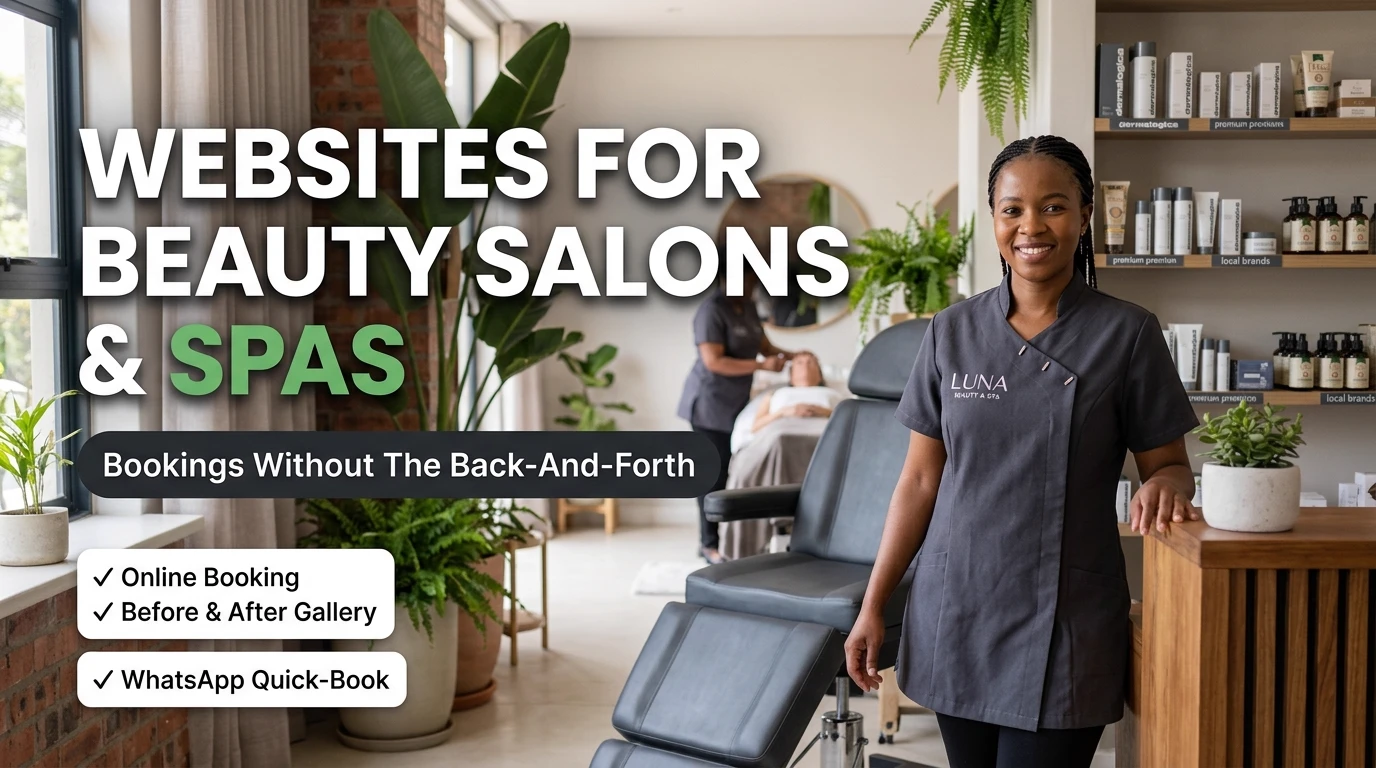
The Booking Doesn't Start When You Reply. It Starts When They Land.
Someone finds your salon or spa on Google or Instagram, mid-scroll, at 9pm on a Tuesday. They're not going to remember to message you tomorrow. If your website can't show them a real open slot and confirm it there and then, you've handed that decision back to whichever competitor's page could. That's the entire brief for a salon or spa website: close the booking in the moment someone's ready to make it, not three WhatsApp messages later.
We've built and audited enough beauty and wellness sites around Gauteng to see the same pattern every time. It's rarely a design problem. It's the absence of three specific, unglamorous features that do almost all of the conversion work — and most salons are quietly working around all three of them by hand, every single day.
The Three Features That Actually Fill the Diary
Skip the debate about fonts and hero photos. If your site is missing any of these three, fix that first — everything else is secondary.
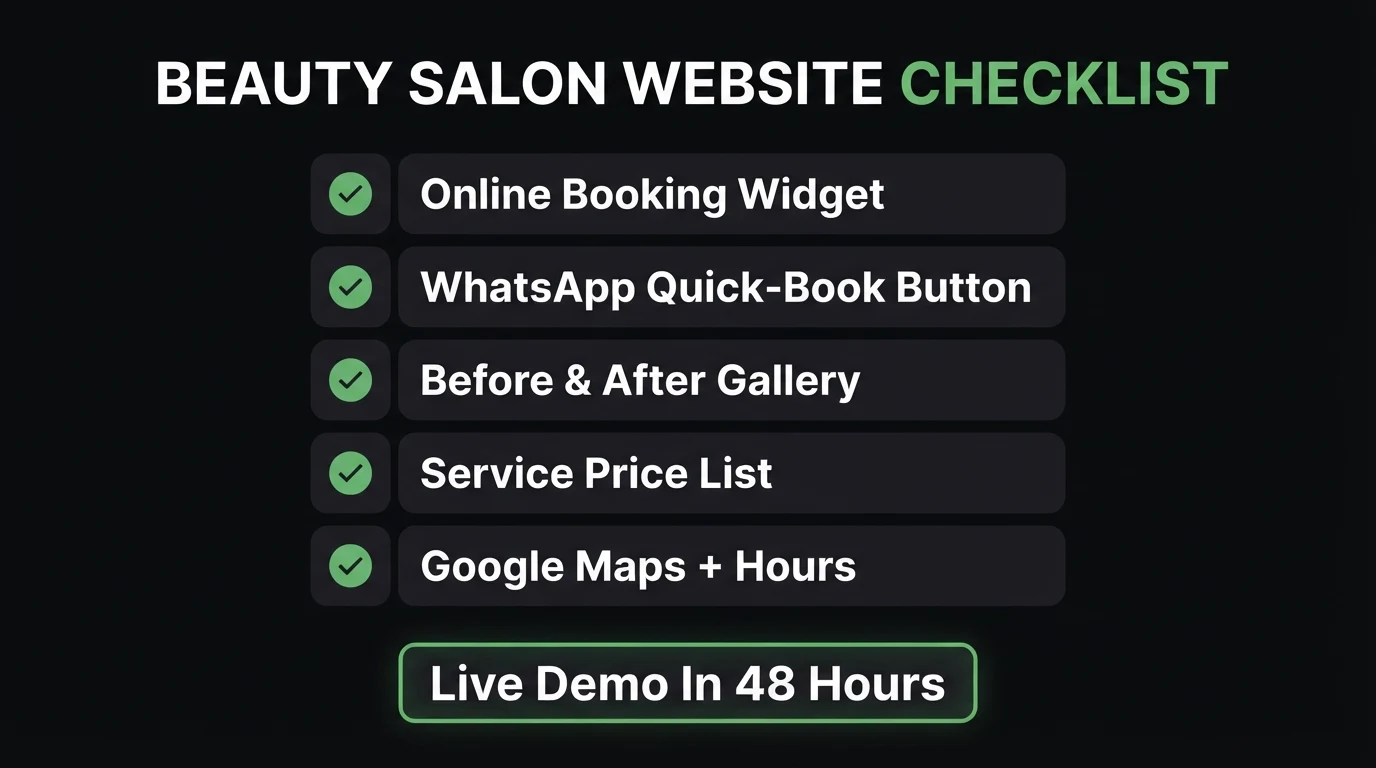
- An online booking widget with real availability. Not a contact form that says "we'll get back to you" — a calendar synced to your actual diary, so a client can book a slot the second they decide, at whatever hour they're browsing.
- A visible, current price list. "How much is a full set of gel nails?" or "what's included in the signature facial?" are questions your site should already have answered before anyone has to ask. Hidden pricing doesn't protect margin — it just moves the enquiry to a slower channel, or loses it entirely.
- A before/after gallery organised by service. Real client results, sorted by hair, nails, skin, or whatever you offer — not a generic mixed grid. It's the fastest way to prove your work to someone who's never sat in your chair.
- A WhatsApp quick-book button as the fallback. Still essential for last-minute questions and loyal regulars, but it should sit alongside the booking widget, not replace it.
- Hours, location and a map above the fold. Especially weekend and late hours — the times most bookings for a beauty or wellness treatment actually happen.
What Most Salon and Spa Sites Get Wrong
The same handful of mistakes show up on salon and spa website after salon and spa website, usually because the site was built to look good in a portfolio rather than to survive a real Saturday morning rush of enquiries:
- No online booking — every enquiry becomes a WhatsApp thread trading available times back and forth
- Price list hidden or absent — clients bounce rather than message to ask "how much for..."
- Stock photography of hands and faces that were never near your chair, instead of your actual work
- Opening hours buried or outdated, especially the weekend and late slots people actually search for
- Booking widget synced to real availability, live day or night
- Clear, current price list visible without a login or a DM
- Real before/after gallery, sorted by treatment or service type
- Hours and location pinned above the fold, with a map link
A Centurion-based hair and beauty salon came to us with an Instagram following that far outpaced its actual booking rate. The website had no price list, a contact form clients rarely bothered with, and a generic stock-photo hero image instead of the salon's own work. We rebuilt it around a live booking widget, a price list broken down by treatment, and a before/after gallery pulled from the salon's own clients. WhatsApp threads asking "how much" and "are you free Saturday" dropped noticeably within the first month — not because the salon got more traffic, but because the site stopped losing the traffic it already had.
Before you keep reading: how many of today's bookings started as a WhatsApp message asking a question your website should have already answered?
Online Booking: The Feature Most Salons Skip
Most salons and spas run a contact form or a bare phone number and assume that's enough. It isn't — a form that promises "we'll get back to you" loses the exact moment a client was ready to commit, and by the time you reply, they may already have booked somewhere else that answered instantly. A booking widget removes that gap entirely: the client sees your real availability and locks in a slot without waiting on anyone.
You don't need every single add-on service bookable online from day one. Your two or three highest-demand treatments — the ones filling most of your chair time already — genuinely open for online booking will out-convert a single generic "contact us" page every time.
Here's how we'd prioritise fixing an existing salon or spa site, ranked by impact against effort — because not every improvement deserves the same amount of your time this month:
| Fix | Why it matters | Effort |
|---|---|---|
| Online booking widget | Removes the WhatsApp back-and-forth entirely — the single highest-leverage fix on most salon sites | Medium |
| Visible price list | Cuts off the "how much is..." DM thread before it starts | Low |
| Real before/after gallery | Proves results before a client commits to a chair they've never sat in | Low |
| Google Reviews highlights | Local trust signal that outweighs a polished homepage for a first-time client | Low |
| Full site rebuild | Only worth it if the booking flow and mobile speed are both genuinely broken | High |
How CJX Studios Builds Sites for Beauty Salons and Spas
Every salon and spa site we build starts with the booking flow, not the colour palette. That means a live booking widget by default, a treatment-by-treatment price list, a before/after gallery pulled from your real clients, and a WhatsApp quick-book button as the fallback — built mobile-first, because most of your bookings will happen on a phone, often between someone else's appointment slots. If you're a salon or spa owner and your current site is quietly pushing every enquiry into a WhatsApp thread you have to manage by hand, that's the first thing we'd fix.
Go Deeper: Related Guides
Get a salon or spa website built around what actually fills the diary.
Send Chris your services, price list and a handful of your best client photos on WhatsApp, and see a live demo built around a real booking widget, a proper price list, and your own before/after gallery — before you pay anything.
Zero deposit · No lock-in · Pay only if you love it · From R1,200/mo
Frequently Asked Questions
What's the single most important feature on a beauty salon or spa website?
An online booking widget that shows real, current availability. Every "are you open Saturday?" or "what time on Thursday?" message is a booking your site could have taken by itself — and each one that goes through WhatsApp instead is a slower, more easily lost booking.
Do I need a proper online booking system, or is a WhatsApp button enough?
WhatsApp is still essential as a fallback, but it shouldn't be the only path. A booking widget syncs to your real diary and confirms instantly, day or night — WhatsApp only works while someone is free to reply, which is rarely the moment a client is mid-treatment with someone else.
Should I publish my price list, or will that scare price-sensitive clients away?
Publish it. Hiding prices doesn't stop price-sensitive clients leaving — it just means they leave silently instead of messaging you first. A visible price list filters in the clients who are already comfortable with your rates and removes the single most common reason for a stalled enquiry.
How many before/after photos do I actually need?
Eight to twelve real client results, organised by service — hair, nails, skin, whatever you offer — outperform a large generic gallery. Context matters more than volume: a treatment name and rough duration next to each photo turns it into proof instead of decoration.
How fast can CJX Studios build a salon or spa website like this?
The live demo is ready within 48 hours of sending your services, price list and a handful of your best client photos over WhatsApp. You see the real page, booking widget included, before paying anything — no deposit until you approve it.
- Three features do almost all the work: a live booking widget, a visible price list, and a real before/after gallery sorted by service.
- WhatsApp stays as the fallback, not the whole booking system — it only works while someone's free to reply.
- Fix the cheap, high-impact items first: price list and gallery before you consider a full rebuild.
Keep Reading

Chris Maboyi
I build websites for South African beauty salons, spas and wellness businesses across Centurion, Pretoria, and Gauteng — built around a live booking widget first, everything else second. Every site starts with a 48-hour free demo: real, live, no deposit, no obligation. Get in touch or WhatsApp me directly.